
When your internet connection is slow, the advisor web may display a warning message. However, if you are in doubt about your internet, please run a speed test.
How do I test my internet speed?
There are many different speed tests available online. We recommend to use Speedtest by Ookla - The Global Broadband Speed Test
1. Open the website
2. Press "Go"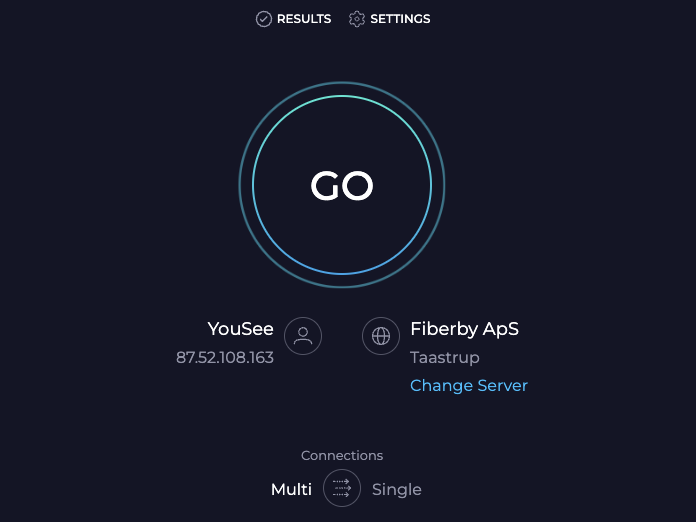
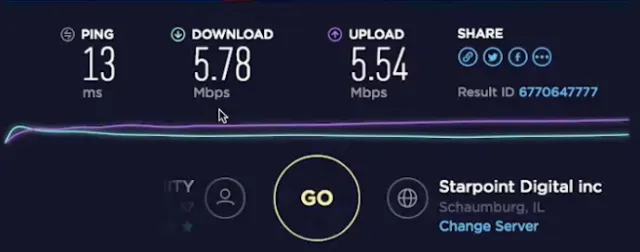
3. Speed test will evaluate both the download and upload speed, wait until the process is done.
What is the recommended internet speed?
We recommend using a minimum 5Mbps internet connection for both upload and download.
If you want to learn more about How to Check Your Internet speed, check out this YouTube video: