
It is important to add a description of you in your coach profile as the user will be able to see this in the app.
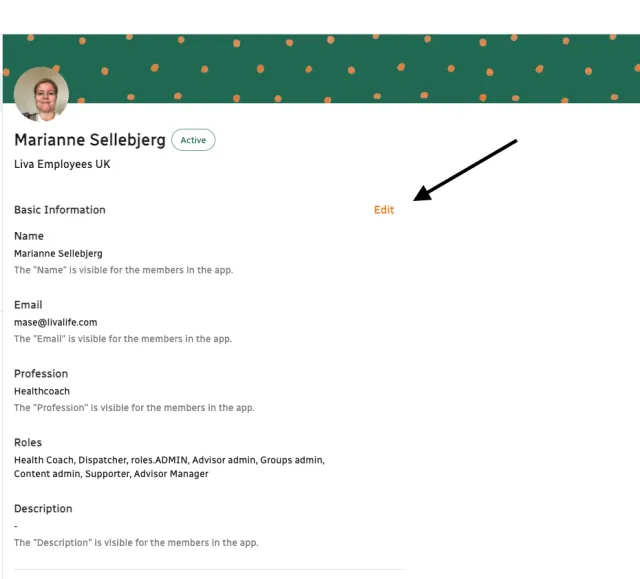
1. Navigate to your primary account.
2. Click “Edit” next to Basic Information.
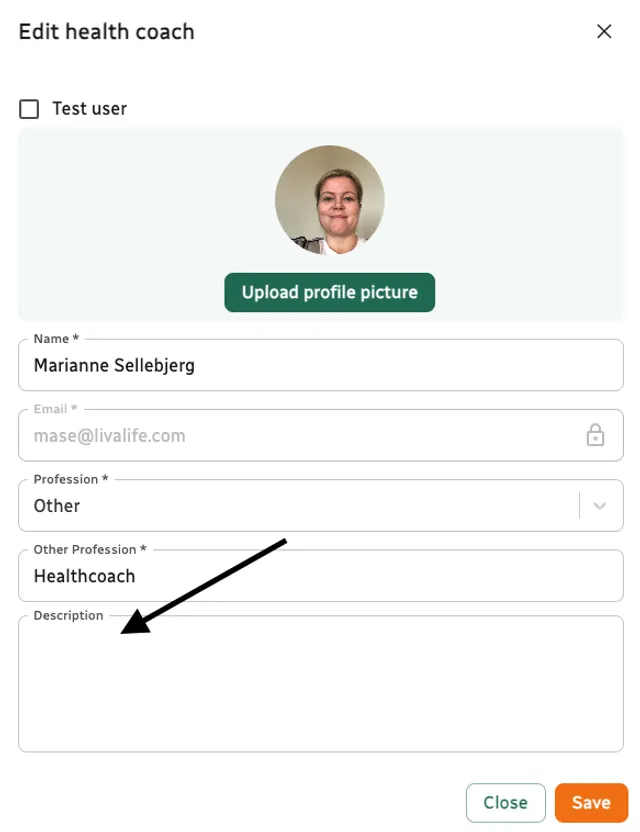
3. Add text in the description box.
4. Click save.
View video guide: 2.4: Accessing & editing your health coach account