If the user wants to leave the programme before it has finished the coach needs to end the schedule and then leave a note in the communication log to say why they have left. Nothing else on the user profile needs to be changed.
The first response to reading in a message that a user wants to leave the programme should be to summarise their progress to date, and clarify that they do want to end the programme early. You could also suggest that the user contacts the support team if there is a concern about their coaching experience that they don’t feel able to share directly. Remember to be very objective and supportive in your questioning, so as not to make the user feel like they are wrong for feeling this way. We should also advise that if they wish to leave the programme early, we do need to inform their GP of this as we have to update them with progress on patient participation in the programme.
If the user does not reply again and stops engaging in the app, or confirms that they would like to leave the programme, send a final intervention message that summarises what’s been achieved, wishes the member well, and confirms that you will end the programme for them. Then take the following steps:
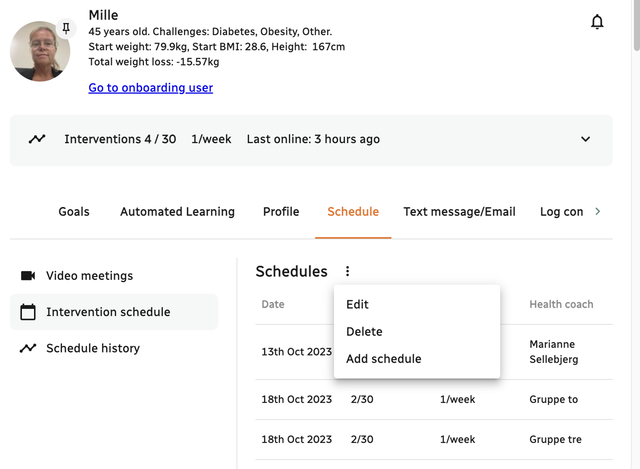
1. Navigate to Schedule on the member's profile
2. Click Intervention Schedule
3. Click the three dots next to Schedules
4. Click delete
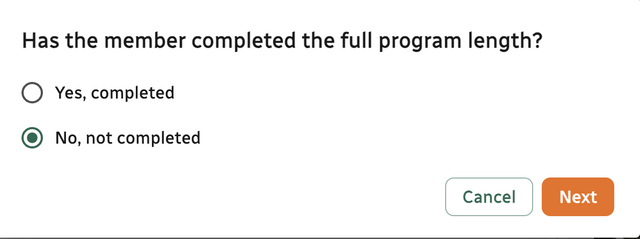
5. Mark the check box 'No, not completed'
6. Pick the reason why the user did not complete the program
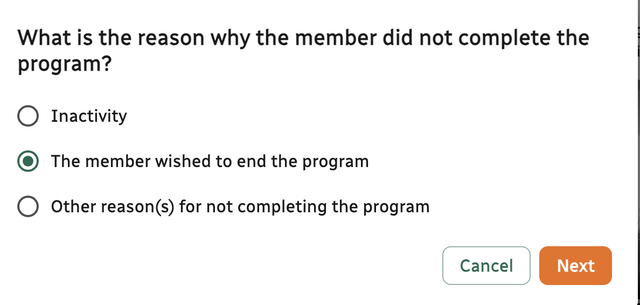
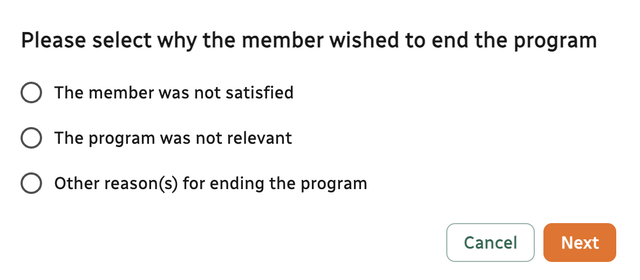
7. Pick the reason why the member wished to end the program
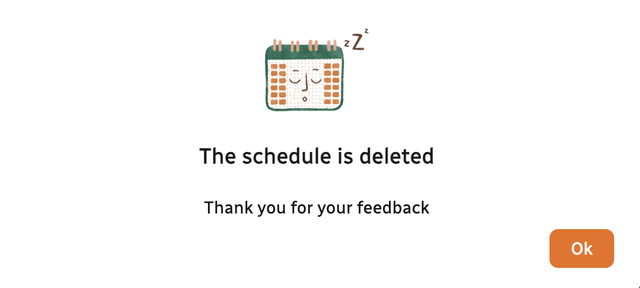
8. The schedule is now deleted and the member can no longer be seen on your member overview.